Open and edit Altium Designer files on macOS and Linux
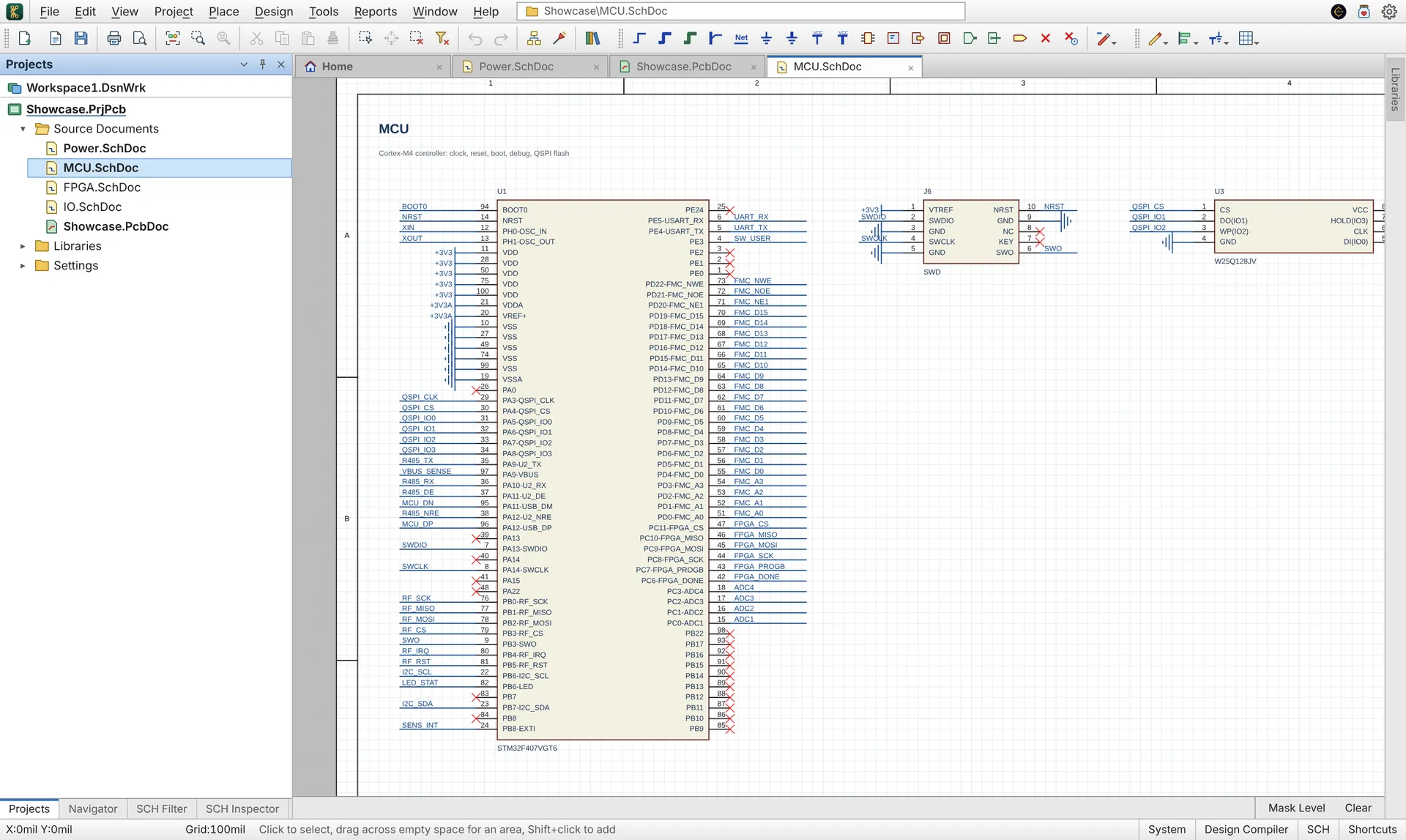
Altium Designer is a Windows program. Konium Designer runs in Chrome or Edge on macOS and Linux as well as on Windows, and opens, edits and saves the same projects, schematics, boards and libraries. It is free.
How to start
- Open konium.app/app in Chrome or Edge.
- To keep it as an app, install it. It then has a window of its own, starts from the apps menu or the dock, and works offline.
- Drop a project folder on the window, or choose File › Open Project... and pick the .PrjPcb file.
There is no virtual machine and no Windows to install: Konium Designer is the same program on all three systems.
Browsers
Chrome and Edge give the full experience: Konium Designer opens a project's folder, saves files back where they came from and keeps its recent lists. In other browsers you choose a project's whole folder to open it, and saving downloads the file.
With no internet
Installed, it works offline. It can also be downloaded as one HTML file that opens in Chrome or Edge with no connection at all.
With colleagues on Windows
The files are the same ones, not copies or conversions. A project edited on a Mac or a Linux computer opens in Altium Designer on Windows, and comes back. Saving rewrites only what you changed.
Your files stay on your computer
Konium Designer is a program that runs inside your browser, on your own computer. It reads the file from your disk and nothing is uploaded. Once it has been opened or installed it also works with no connection. The FAQ lists everything it can connect to.
Get Konium Designer
It is free, with no account. Install it from Chrome or Edge, keep it as one file, or try it in a browser tab. Version 26.209.