Open a .SchDoc file without Altium Designer
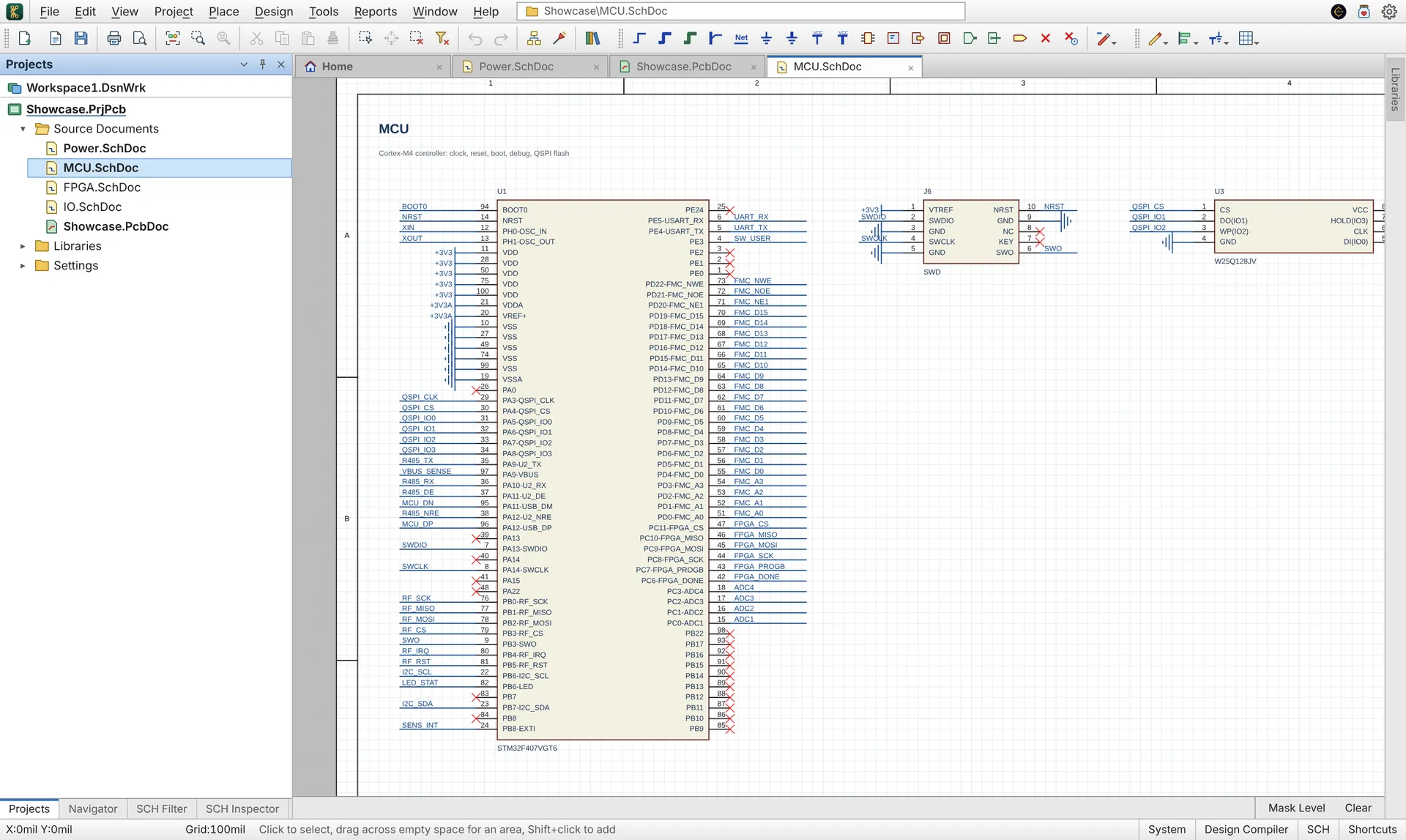
A .SchDoc file is a schematic sheet drawn in Altium Designer. Konium Designer opens it with no licence and no account, shows it as it was drawn, and can edit it and save it back in the same format.
How to open it
- Open konium.app/app in Chrome or Edge on Windows, macOS or Linux, or install Konium Designer first.
- Drop the .SchDoc file on the window, or choose File › Open... (Ctrl+O).
- The sheet opens in the schematic editor.
A design usually has several sheets. To have them all, with the board, drop the whole project folder instead, or open its .PrjPcb file.
What you can do with the sheet
- Read it as it was drawn: parts, wires, buses, net labels, ports, sheet symbols and harnesses.
- Print it or make a PDF. Printing goes through the browser's print dialog, where Save as PDF makes the file.
- With the project open, compile it, run the electrical rules check and get a bill of materials (Reports › Bill of Materials).
- With the project open, Tools › Cross Probe goes from a part on the sheet to the same part on the board.
- Edit it and save it as a .SchDoc again. Saving loses nothing: records Konium Designer does not draw are kept.
- Write it for another tool with File › Export Wizard: KiCad, PADS, EasyEDA, EAGLE, DipTrace, OrCAD or EDIF.
Which .SchDoc files open
Binary and ASCII sheets are both read. A sheet opened from ASCII is saved as ASCII.
Older sheets keep their text in the Windows code page of the computer that wrote them, Cyrillic or Central European for example. Konium Designer tells the page from the text itself, and the Messages panel says which it took.
Schematic libraries (.SchLib) open in the schematic library editor. Integrated libraries (.IntLib) open read-only.
Your schematic stays on your computer
Konium Designer is a program that runs inside your browser, on your own computer. It reads the file from your disk and nothing is uploaded. Once it has been opened or installed it also works with no connection. The FAQ lists everything it can connect to.
Get Konium Designer
It is free, with no account. Install it from Chrome or Edge, keep it as one file, or try it in a browser tab. Version 26.209.